Software development

version script, linker, autoconf check, and the like

Here's a short configure.ac example with an autoconf test to check whether the linker supports version scripts.

I spent a few minutes searching for such a check and no results popped up, so I resorted to writing my own.

The code below might be useful for others looking for such a code snippet, and can be easily adapted to suit specific needs.

AC_INIT(--version-script test example, 0.1, matteo.vescovi@yahoo.co.uk)

AC_PROG_CC
AC_PROG_CPP

AC_MSG_CHECKING([whether linker supports version scripts])
cat > conftest.map <<EOF
VERSION_1 {
global:
        main;

configure this

The latest release of the presage predictive text entry library sports, among other things, a new and improved configuration layer which extends previous capabilities, adds new features and fills in a number of gaps and issues in the previous releases.

Prior to the refactoring work that went into 0.8.1, presage configuration mechanism was limited by the following issues:

  • configuration could only be read from a single profile file

presenting subversion

subversion tutorial

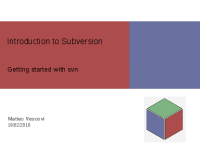
Since subversion is going to be actively used in our team at work, I gave a presentation/tutorial on subversion to help everyone in the team to get started with it.

n900: maemo fremantle SDK and gregale SDK in same scratchbox

Nokia has recently announced the introduction of the stunning n900, the evolution of the n770, n800, and n810 internet tablets. The n900 is not just an internet tablet, it is a phone!

This announcement has sparked renewed interest in the maemo development environment for the n-series devices.

scintilla presages a spark of genius

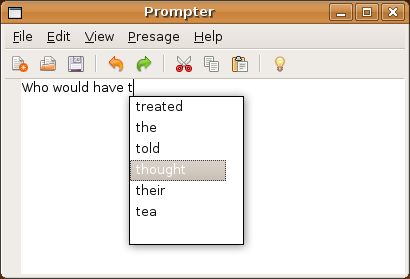
Prompter built on top of Scintilla

I'd like to share with you a precious software gem: Scintilla.

Scintilla is an amazingly powerful text editing component. I am coding Prompter, a presage based demo application, on top of the Scintilla editing control because of Scintilla's impressive features, primarily portability and autocompletion support.

WSDL woes

Service Oriented Architectures and Web Services seem to be the next best thing since sliced bread.

I won't get into a comparison on the merits and the shortcomings of SOA/Web Services vs. CORBA technologies, but I will vent my frustation at how painful and unwieldy it is to manually edit WSDL contracts here.

zenburn

Drupal

Let's face it, software engineering is hard!

It is tough to produce high quality code, under tight deadlines, solving complex problems, with constantly changing requirements.

But let's forget for a moment about the intellectual challenges posed by engineering correct and performant software, and let's focus on the physical demands imposed on software engineers.

I am not suggesting that software engineering is among the most physically demanding professions, but I believe that sometimes we fail to recognise the physical strain imposed by being confined at a desk, precariously sitting on a chair, hunching over a keyboard, staring at a computer display for prolonged periods of time, furiously typing blocks of source code.

replace string with a newline in emacs

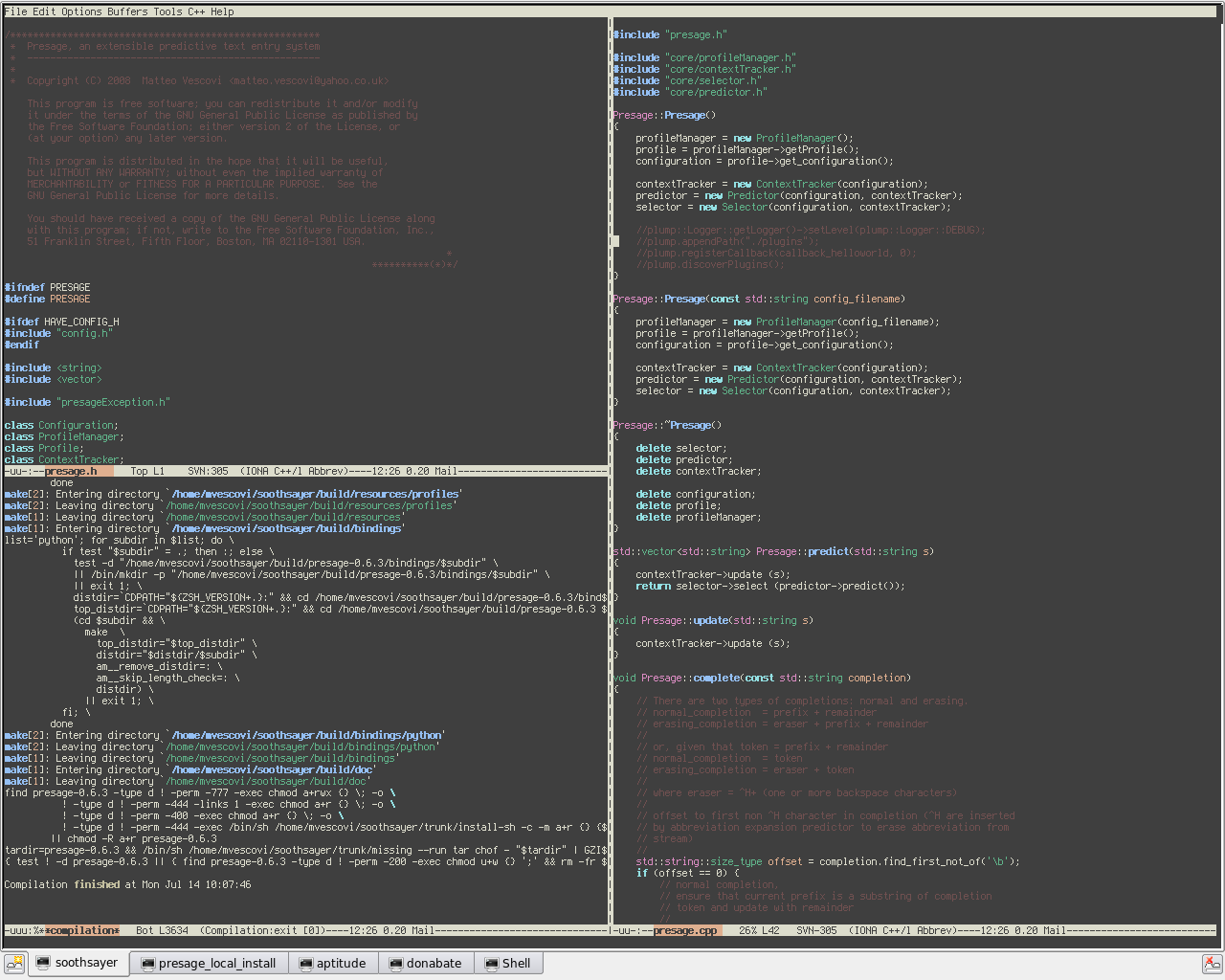
This might help fellow Emacs users needing to replace a given string with a new string containing a newline.

I wanted to split a very long list of semicolon separated JARs to insert them in a Java manifest file to get around the dreaded "Input line too long" problem on Windows.

What I wanted to do was to M-x replace-string ; ENTER with a newline and a space. Here lies the problem, the replace-string command rightfully interprets ENTER to mean that the replacement string has been entered, and not to mean that it should substitute with a newline.

Eclipse debugging goodness

Java

Debugging Java applications remotely can be extremely useful when the machine you are debugging on does not have access to the source, or when the application you would like to debug is run within a complex wrapper or framework (i.e. Maven).

If you ever wished to debug a Java application remotely using Eclipse, here is how you do it.

Autoconf, Automake, SWIG, Python distutils

Recently, I created a Python binding for Soothsayer and integrated it into the build system using some Autotools magic and a few custom m4 macros obtained from the Autoconf Macro Archive.

The first solution I put in place was largely based on this (very good) tutorial. In a nutshell, this is how it worked:
- configure.ac runs a few checks to determine whether SWIG and Python are available, using the AC_PROG_SWIG and AM_PATH_PYTHON macros respectively. If the user enabled the Python binding module with the --enable-python-binding, then the SWIG_ENABLE_CXX and SWIG_PYTHON macros are invoked to setup SWIG flags.
- the bindings directory contains the SWIG interface file, which needs to be parsed through the SWIG tool to generate the wrapper (a C++ source file and a Python source file).
- during a build run, Makefile.am in the bindings directory contains targets that cause SWIG to process the interface file to generate the wrapper, then compile the generated wrapper, and finally link with the wrapper object and the soothsayer shared library into a Python _soothsayer loadable extension module.
- during an install run, the generated files and library are installed into the Python extensions directory.

However, this solution had a couple of problems that I could not force myself to overlook:
- the generated sources had to be generated into the source tree, rather than in the build tree, in order for the macro defined primitives to work.
- the AC_PYTHON_DEVEL macro, required by SWIG_PYTHON, fails to detect a default Python installation on Windows/Cygwin (requiring the user to tweak the LDFLAGS when configuring the package to work around the problem).
- it does not use the recommend Python way to build Python extension modules.

Syndicate content